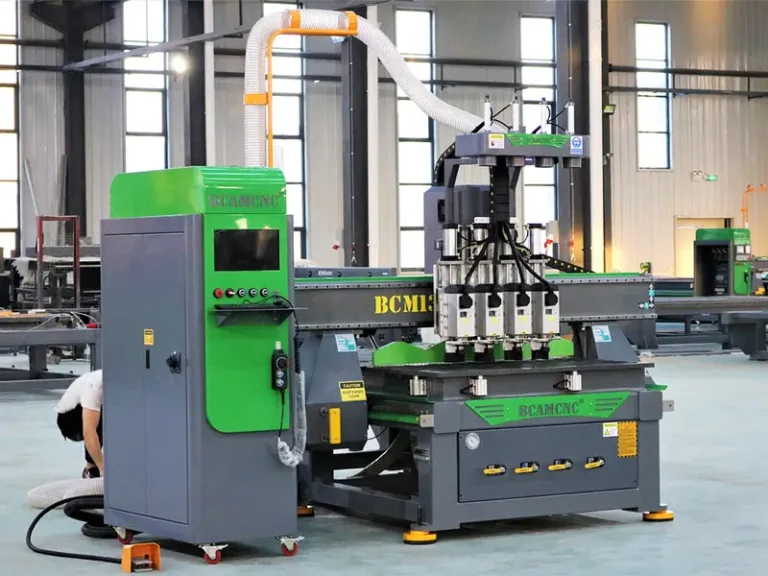

Customers and friends who have used Jinan cnc router machine will encounter the situation of cnc router machine over-travel or limit alarm suddenly. How to deal with limit alarm?
This function of the machine can intelligently protect the workbench, preventing possible damage to the workbench caused by path overruns or operating errors. Intelligent processing of cross-border protection to prevent mechanical collisions caused by design layout beyond the processing format. How to release the limit switch of the cnc router machine after it is triggered?
Each cnc router machine has its work schedule. Generally speaking, it is the working area of ??the machine. Only when engraving is performed within this range, the machine can work normally. Once the maximum size of the machine stroke is exceeded, the control system will prompt to trigger the stroke limit. After the limit switch alarms, the machine will automatically stop. When we encounter the limit alarm of the cnc router machine, we only need to release the alarm.
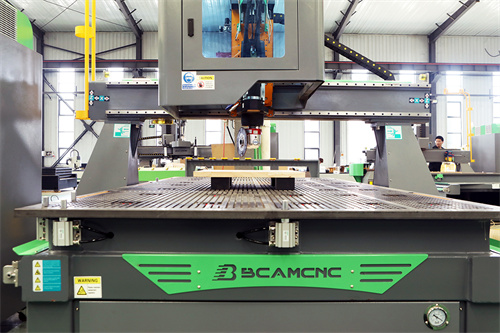
Actually, it’s very simple. Just click “Limit Release” under the operation menu to move the machine in the opposite direction. This function is a method to temporarily shield the limit function and restore the machine tool to the normal position during manual operation. Since the restricted function is blocked at this time, the operator should be very careful when using this function.
In another case, the stroke of the cnc router machine has not reached the limit. Please click I/O status to check which axis has alarmed, and then unplug the photoelectric switch. If there is no alarm, it indicates that the photoelectric switch is faulty or the polarity is reversed.
The above is the solution after the Jinan cnc router machine triggers a limit alarm. According to the above operation, your problem can basically be solved. If necessary, you can contact a professional maintenance manufacturer.